> ## Documentation Index
> Fetch the complete documentation index at: https://docs.unifygtm.com/llms.txt
> Use this file to discover all available pages before exploring further.
# Salesforce
> Run the Unify Chrome extension in Salesforce.
## Overview
While viewing accounts, contacts, and leads in Salesforce, the extension will
automatically surface the corresponding companies and people in Unify.
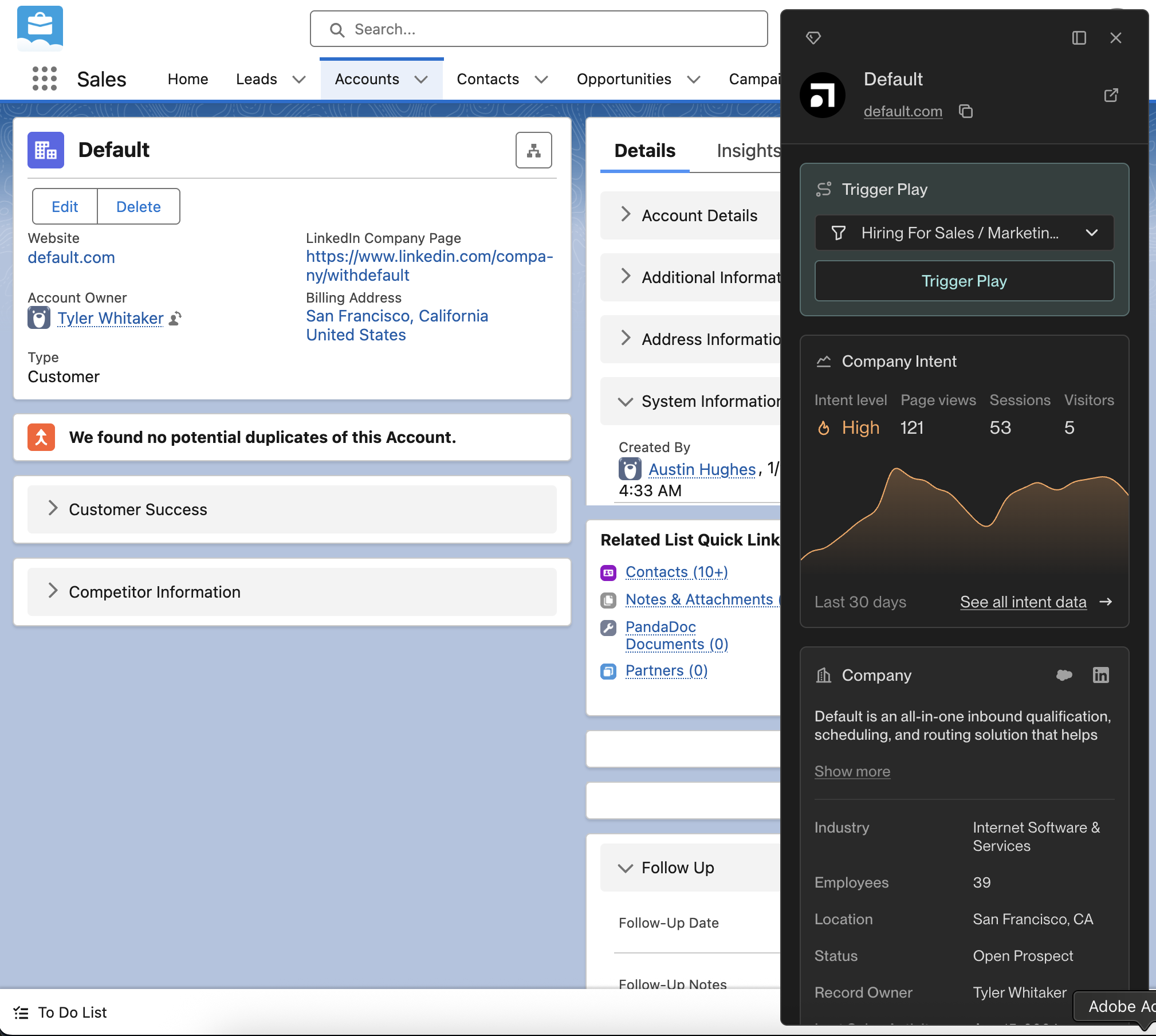
## Salesforce account page
View people who work at the company, enroll them in a sequence, or add the
company to a play available to you.
 ## Salesforce contact & lead pages
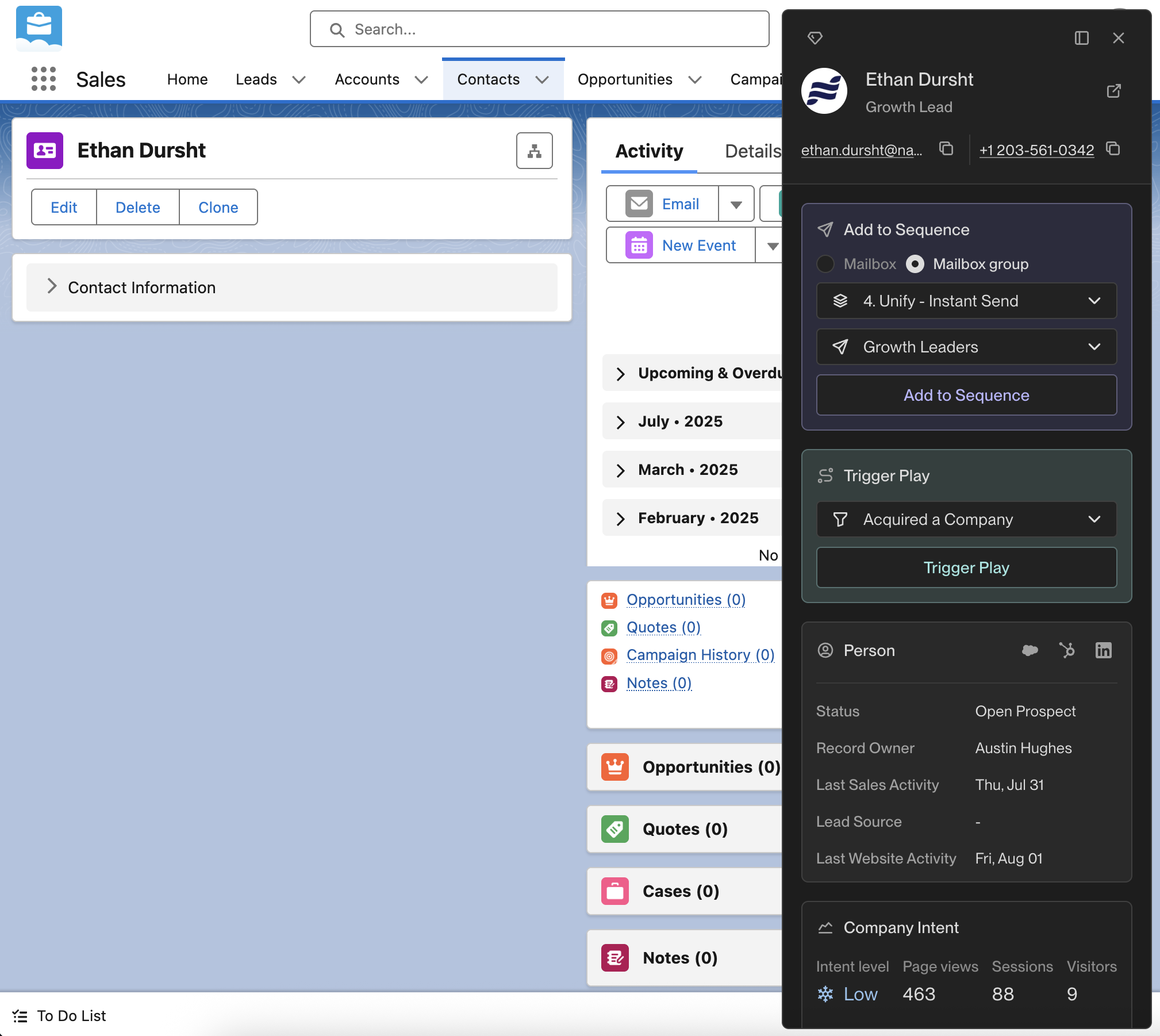
Review the person's sequence enrollments or choose a sequence and a mailbox or
mailbox group available to you. Enrollment follows your workspace's rules of
engagement. You can also add the person to a
[play](/reference/plays/overview).
## Salesforce contact & lead pages
Review the person's sequence enrollments or choose a sequence and a mailbox or
mailbox group available to you. Enrollment follows your workspace's rules of
engagement. You can also add the person to a
[play](/reference/plays/overview).
 This documentation is built and hosted on [Mintlify](https://mintlify.com), a developer documentation platform.